
Science fiction
The Last Aurora
An explorer follows a mysterious aurora toward a signal that could change the future of a distant colony.
A brighter way to watch
YOUR NIGHT.
YOUR LINE-UP.
Sport · Entertainment · Films · Series · International
An imagined cinema collection
Original fictional movie concepts, created for this showcase. These illustrations are not a list of available titles.
Science fiction
An explorer follows a mysterious aurora toward a signal that could change the future of a distant colony.

Mystery thriller
A detective follows a missing passenger through a city where every midnight train hides a different secret.

Fantasy adventure
A wandering adventurer discovers a kingdom suspended in the sky and a fragile secret holding it aloft.

Ocean adventure
A sailor races a gathering storm to reach an island lighthouse and uncover a message lost at sea.

Romance
A missed departure brings two strangers together for a summer journey neither had planned.

Family adventure
An explorer and a mechanical fox set out to restore the heartbeat of an extraordinary woodland.
Made to fit in
We’ll match the setup instructions to your operating system, chosen IPTV player and the way you prefer to watch.
Samsung, LG and supported app-store televisions—set up for relaxed big-screen viewing.
MAIN SCREENA simple, remote-first IPTV setup for compatible Fire TV sticks and boxes.
STREAMING STICKFlexible player options for Android TV boxes, tablets and mobile phones.
TV · TABLET · PHONEPractical player guidance for iPhone, iPad and compatible Apple TV devices.
MOBILE · TABLET · TVCompatible Windows and macOS options for viewing at a desk or on a laptop.
WINDOWS · MACOSDuo configuration for two simultaneous connections across compatible devices.
DUO VIEWINGCore IPTV UK plans
Every Core plan includes the same catalogue, picture-quality range and setup support. Simply choose how long you want access and whether your household needs one active screen or two.
Quick start
A low-commitment way to try the complete Core experience on one compatible screen.
A short commitment for one screen.
Order securely through all platforms
Easy six
A balanced half-year option for regular viewing without committing to a full twelve months.
A balanced half-year option.
Order securely through all platforms
Most selected
The best Core value for one screen, with a full year of access and ongoing customer help.
The lowest monthly cost on Core.
Order securely through all platforms
Watch together
A complete twelve-month package for households that want two connections streaming simultaneously.
Twelve months for two screens.
Order securely through all platforms
Catalogue totals describe the supplied service and can change. Availability and picture quality depend on the authorised source, territory, player, device and home connection.
IPTV UK VIP
Designed for viewers who want more flexibility than a standard setup, IPTV UK VIP combines wider device-format support, broader quality options and hands-on configuration guidance in one straightforward plan.
Choose from commonly supported login and playlist formats, with guidance shaped around the compatible television, streaming box, mobile device or player already in your home.
We can guide you through player installation, private detail entry, programme-guide loading, favourites and sensible playback checks for your device and connection.
VIP Duo provides two simultaneous connections for households that need compatible viewing in two places at once, without sharing one active connection.
6 months · 1 screen
A flexible half-year introduction to the complete VIP service for one active screen.
Order securely through all platforms
12 months · 1 screen
The strongest long-term value for one screen, with a full year of VIP access and support.
Order securely through all platforms
12 months · 2 screens
A twelve-month household option with two connections able to stream at the same time.
Order securely through all platforms
Catalogue, source quality and availability can change. Playback quality depends on the authorised source, device, player, territory and home connection.
Before you activate
Match the player to the screen, give the stream a stable route and compare the plan details before paying.
Find the brand, model, manufacture year and operating system. Those details decide which IPTV UK player is practical and whether HD, Full HD or 4K is realistic.
Update the router, check signal strength and favour Ethernet or nearby 5 GHz Wi-Fi. Leave bandwidth for the other people and devices in the home.
Check duration, connection count, catalogue, supported formats, quality range, player cost, refund-review window and support before activation.
How Britain watches
Build your IPTV UK favourites around the room, screen and connection—not around a one-size-fits-all promise.
THE MAIN SCREEN
A capable Smart TV or streaming box, a familiar remote and the strongest home connection for sport, films and series.
THE EASY UPGRADE
Fire TV or Android hardware can add flexible IPTV UK viewing without replacing a screen that still looks great.
THE PERSONAL SCREEN
Use a maintained player and secure connection for live channels or on-demand viewing on a phone or tablet.
THE DESK SETUP
Choose a compatible Windows, macOS or Linux player and match picture quality to the monitor and available bandwidth.
The Great British buffer check
Ethernet is the most predictable choice. On Wi-Fi, keep the router in the open, use 5 GHz when nearby and pause large downloads while watching.
An organised line-up
Use search, programme guides, categories and favourites inside your compatible IPTV player to bring live events, films and series closer to the surface.
WHAT’S ON NOW
Browse scheduled categories, check programme-guide information wherever it is supplied and keep the channels you use most inside favourites.
TONIGHT’S FEATURE
Search by title or genre, then choose a source quality that makes sense for the television and connection.
NEXT EPISODE
Keep favourite shows close at hand and return to available seasons and episodes through the player interface.
SHARED VIEWING
Create a simpler shared line-up using favourites and parental controls whenever those tools are supported by the selected player.
From hello to live
Send the make, model and how many screens will play at once.
We confirm compatibility before you select Core or VIP.
Receive private details and clear instructions for your player.
The IPTV UK journal
Clear, practical reading for choosing a plan, preparing your connection and matching a player to the screens in your home.

Start with the number of screens that will play at the same time, then compare duration, supported formats and device compatibility. A clear IPTV UK plan should explain what is included without making the largest catalogue the only deciding factor.
Check the support route and refund-review window before activation. Matching the plan to your real viewing habits usually matters more than paying for features the household will not use.
Compare the plans →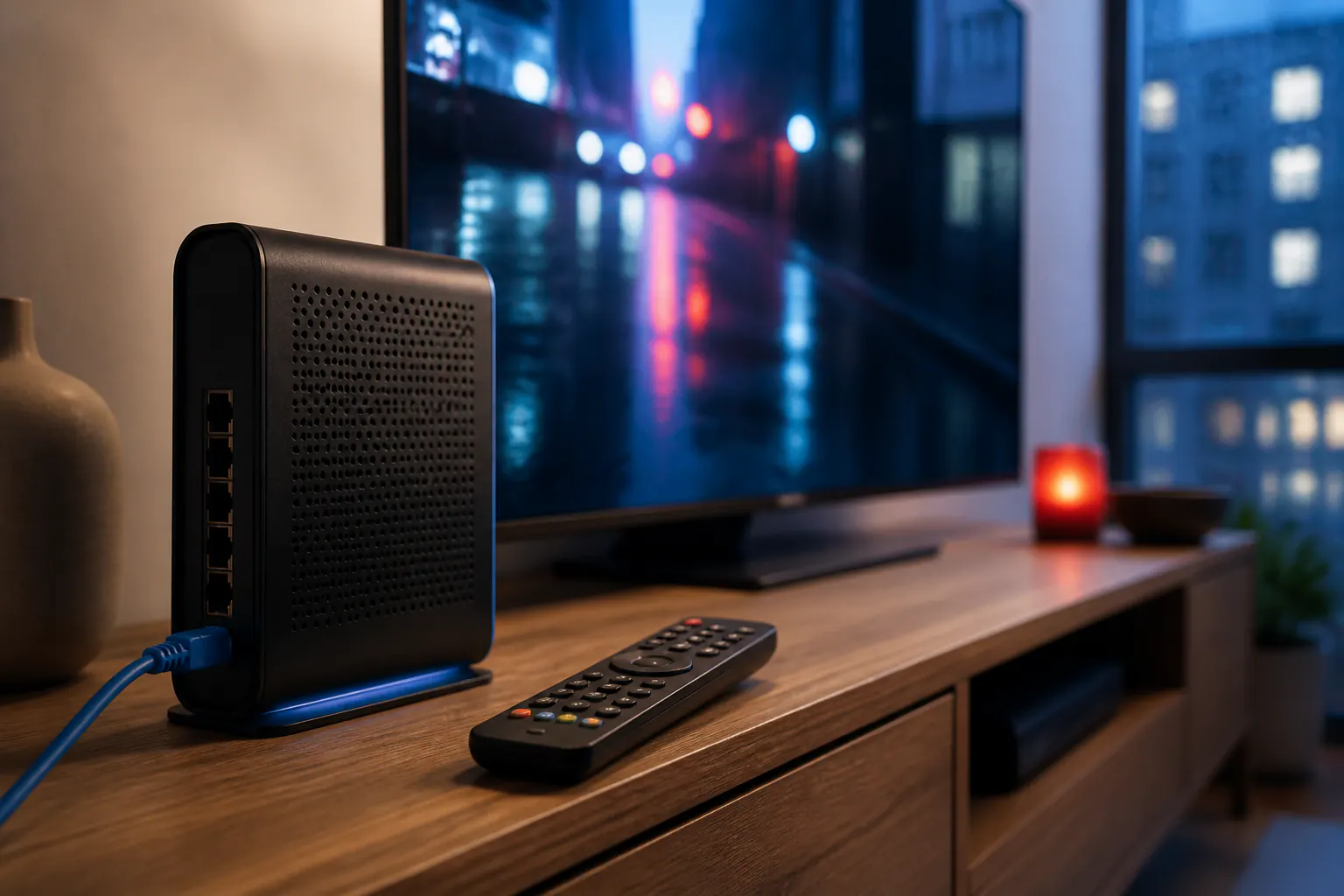
Stable delivery is more useful than one impressive speed-test result. Use Ethernet where practical, or keep a 5 GHz Wi-Fi router close to the screen with a clear route through the room.
Pause large downloads, restart ageing network equipment and allow bandwidth for every active screen. These simple checks resolve many buffering problems before player settings need to change.
Open the connection guide →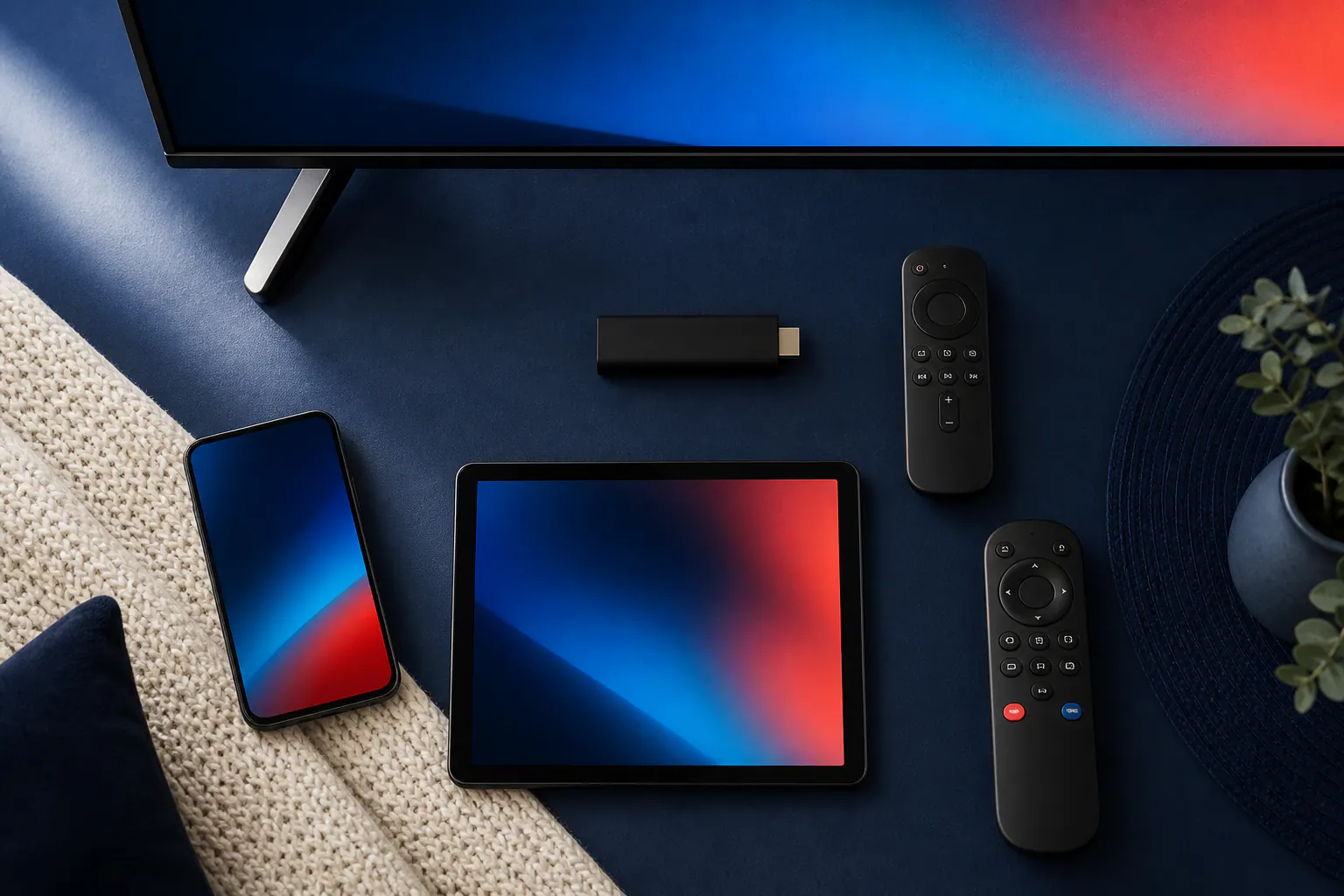
The best player is the one maintained for your operating system and comfortable to use with its remote or touchscreen. Confirm the television model, manufacture year and app-store availability before paying for a player licence.
For Fire TV, Android, Apple and desktop devices, look for straightforward playlist entry, programme-guide support and sensible favourites tools. Never publish private access details in a public app review or forum.
Compare compatible apps →Start with your screen
A good IPTV UK setup begins with the device already in front of you—not a one-size-fits-all recommendation.
Tell us the make, model and operating system. We’ll help you choose a sensible player, picture quality and plan for the screen and connection you actually use.
No dense technical talk. No unnecessary add-ons. Just practical steps from your first message to your first programme.
Straight answers
Everything you need to know about compatible devices, broadband, player apps, screen limits and getting started.
Ask us on WhatsAppTelegramGmailIPTV UK VIP is a subscription and setup-support service for compatible internet-connected viewing devices. You choose a plan, confirm your device, then receive private activation and setup guidance.
Common options include compatible Samsung and LG televisions, Fire TV, Android TV, Apple devices, phones, tablets and computers. Exact app availability depends on the model and region.
A stable connection matters more than headline speed. As a guide, allow around 10 Mbps for HD and 25 Mbps for 4K on each active screen, with Ethernet preferred when practical.
Some VIP options include help with a supported Pro player. Third-party player licences are otherwise separate. We confirm the best route before you buy.
Yes—choose a Duo plan. A single-connection plan should only stream on one device at a time, although you may keep the details saved on compatible devices.
Most compatible devices can be configured soon after payment and device details are confirmed. Timing varies with app installation and support demand.
The Core 6-month plan is €34.99 and the Core 12-month plan is €49.99. Both are single-screen options. Other plans display their own prices and currencies; check the selected plan before ordering.
Confirm the exact device model, compatible player app, number of simultaneous screens, plan duration and displayed currency. Check whether a separate player licence is needed, then read the service terms and refund policy.
Use WhatsApp on +447311127201, Telegram on +447916695336, or email support.iptv.live.stream@gmail.com. Include your device model and question; do not send passwords or payment-card details.
Core requests should arrive within 24 hours of activation; VIP requests should arrive within three calendar days. A request opens a review and does not guarantee repayment. Read the refund policy for eligibility and troubleshooting requirements.
The best IPTV option depends on your device, authorised content needs, simultaneous screens, plan duration, total cost and support requirements. Check player compatibility, separate app fees and refund terms before paying; a large catalogue alone does not establish quality.
Compatibility must be checked for your exact IPTV Smarters app version, device and provider login format. Do not assume every plan works with every Smarters app. Confirm support before buying a plan or paying for a player licence.
Ready when your remote is
Share your device and viewing needs. We’ll recommend the clearest next step.
Start a device checkTelegramGmail